
Asigură-te
că ai instalat
deja
aplicația de
mobile
banking


Beware of fake calls! ANAF, the bank or other authorities do not ask you to provide bank details or access codes, nor to access various links, which may lead to the installation of remote control applications on your computer. Do not perform "test banking transactions" and do not accept such requests received by phone, it may be a fraud! Contact your banking advisor immediately and report suspicious situations!
×

Daily banking
YOU
SMS banking
The remote banking service provides you with information on your bank accounts directly from your mobile phone.
MyBRD Contact
MyBRD Contact is a service which allows you to quickly make your current operations through the phone.
Other services
Saving and investments
Offers
SME<sup>1-50M Euro</sup>
Online trading
Other services
Our team
Depository services
Safekeeping, registering, monitoring and controlling the applications for subscription or redemption of fund units.
Issuer services
Distribution of fund units, dividends and bond payments. Group distribution services within public offerings.
Global and local custody services
Administration availability of customer accounts to their instructions - financial instruments operations or cash.
Clearing services
Clearing services for transactions made on Bucharest Stock Exchange, Bucharest Clearing House and SIBEX.
Contact
Clearing services for transactions made on Bucharest Stock Exchange, Bucharest Clearing House and SIBEX.
News
News and related materials of our current activity: from business press releases to cultural, educational, sport or technological projects
Scene 9
is an online cultural publication that shapes the portrait of the new generation of creators
Școala 9
is an editorial project dedicated to the pre-university education created by DoR and BRD
Culture
We invest in culture because we need leaders and projects to remind us where we come from, who we are and where we are heading to.
Education
We strongly believe that the main driver for a higher performance of the education system is the quality of teachers. That’s why our majors programs are focussing on developping teachers’ skills.
Sports
We love sports because they provide us with an exciting journey with some beautiful moments, heroes who win, attract new fans or, on the contrary, struggle with difficult moments.
Environment
Economic development is no longer possible without environmental and social progress. It is our responsibility to propose business models that encourage the positive transformation of the world.
The Civil Society
Community involvement is designed to build sustainable intervention mechanisms so that children and young people in difficult situations can develop their skills
Financial Information
Discover
Learn
Apply
The remote banking service provides you with information on your bank accounts directly from your mobile phone.
Find out more »MyBRD Contact is a service which allows you to quickly make your current operations through the phone.
Find out more »Safekeeping, registering, monitoring and controlling the applications for subscription or redemption of fund units.
Find out more »Distribution of fund units, dividends and bond payments. Group distribution services within public offerings.
Find out more »Administration availability of customer accounts to their instructions - financial instruments operations or cash.
Find out more »Clearing services for transactions made on Bucharest Stock Exchange, Bucharest Clearing House and SIBEX.
Find out more »Clearing services for transactions made on Bucharest Stock Exchange, Bucharest Clearing House and SIBEX.
Find out more »News and related materials of our current activity: from business press releases to cultural, educational, sport or technological projects
Find out more »is an online cultural publication that shapes the portrait of the new generation of creators
Find out more »is an editorial project dedicated to the pre-university education created by DoR and BRD
Find out more »Find here our mass media contacts
Find out more »We invest in culture because we need leaders and projects to remind us where we come from, who we are and where we are heading to.
Find out more »We strongly believe that the main driver for a higher performance of the education system is the quality of teachers. That’s why our majors programs are focussing on developping teachers’ skills.
Find out more »We love sports because they provide us with an exciting journey with some beautiful moments, heroes who win, attract new fans or, on the contrary, struggle with difficult moments.
Find out more »Economic development is no longer possible without environmental and social progress. It is our responsibility to propose business models that encourage the positive transformation of the world.
Find out more »Community involvement is designed to build sustainable intervention mechanisms so that children and young people in difficult situations can develop their skills
Find out more »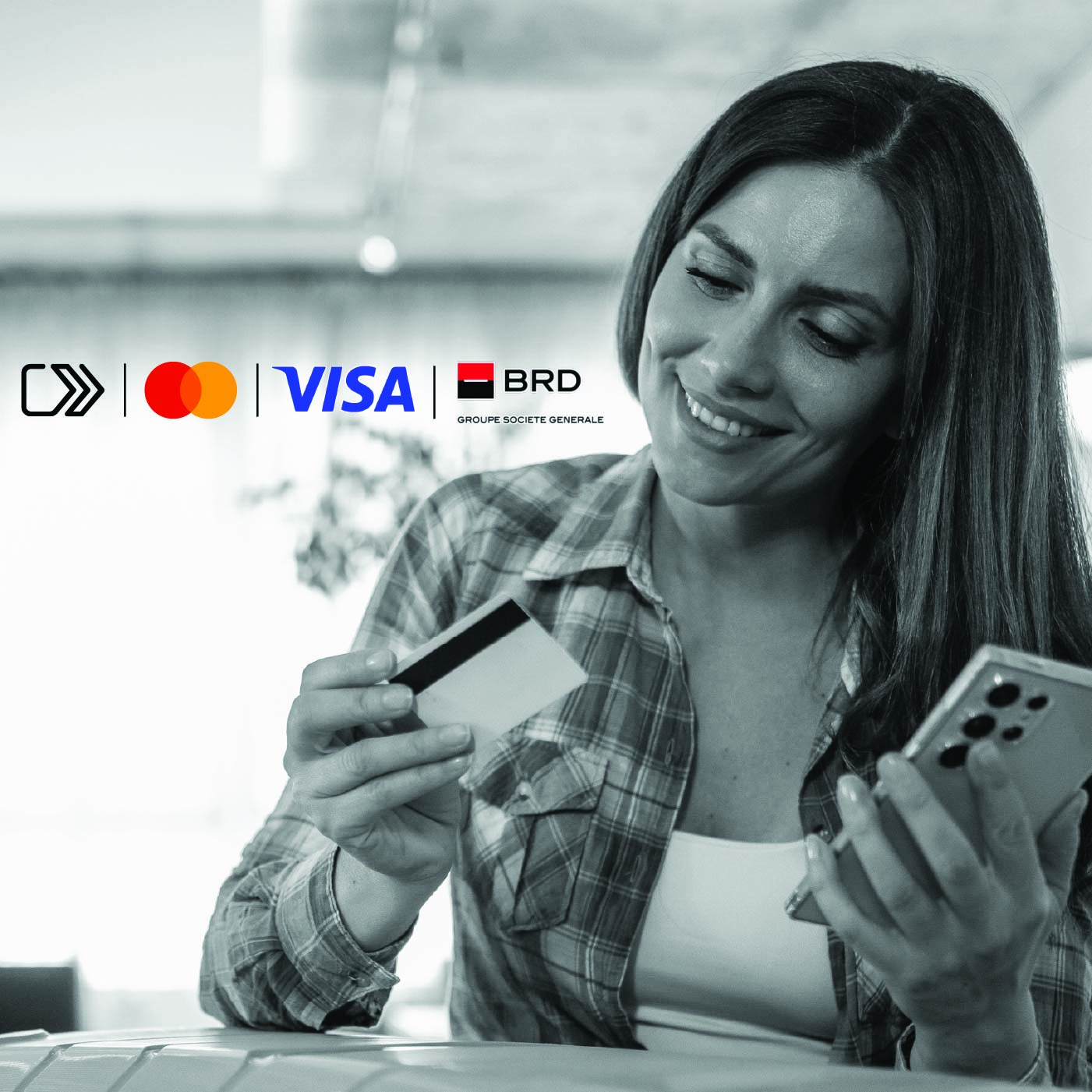
Life moves fast and you want to always be one step ahead? Forget about remembering long passwords or manually entering card details!
 Click to Pay section/button and follow the steps there. Click to Pay icon/button at any participating merchant.
We would like to remind you that BRD - Groupe Societe Generale has not requested and will never ask any of your authentication data (user code, password or password token) or confidential information related to your card (card number, expiration date, security code or PIN) by phone, nor e-mail or SMS.
These confidential data will be used only for the internet banking authentication or for online payments.
At the same time, if you notice a different appearance of the usual MyBRD Net application (ex. A notification message that the page is unavailable and you are invited to log in again, or to sync your token device), please stop the authentication process immediately and contact as soon as possible through MyBRD Contact tel: 021 302 6161.
